Compare Two AI Models Side by Side on the Same Question
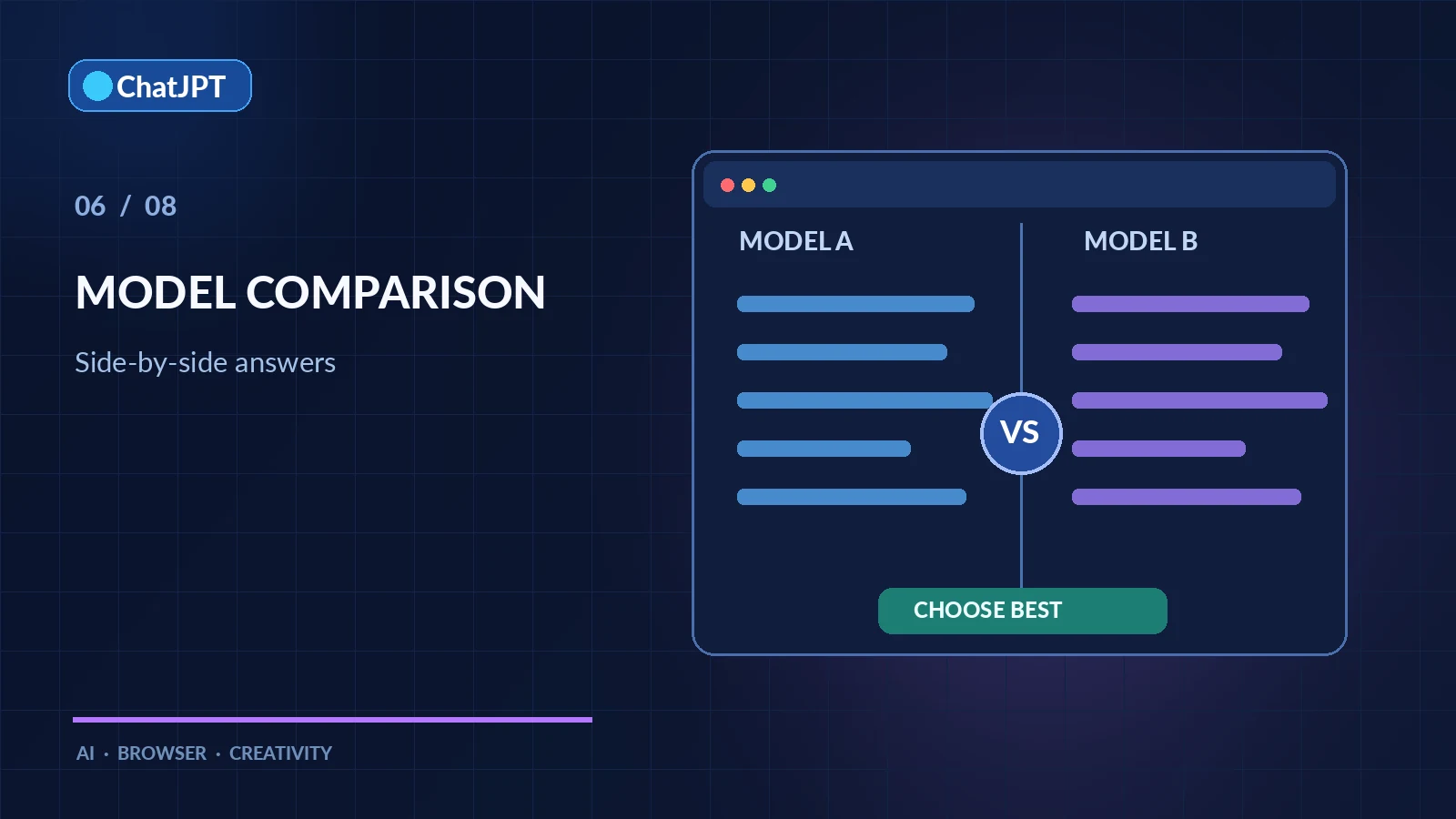
Which model gives the best answer to your question? Rather than guessing, it’s better to compare two AI models using exactly the same prompt. ChatJPT makes this possible with one click: both answers appear side by side, and you keep the one you prefer. This article is part of the guide to using ChatJPT.
Why Compare Two AI Models?
No single model is best at everything. Some excel at programming, others at writing, translation, or reasoning. Public leaderboards also measure standardized tests, not the real questions you ask.
Comparing two AI models on your own tasks answers practical questions:
- Is the cheaper model good enough for this task?
- Is a reasoning model worth the longer response time?
- Can a Canadian or European provider’s model perform just as well?
Turn On Comparison Mode
Comparison mode works in the Chat and Code modes:
- Enable the comparison switch above the chat box.
- Select model A and model B, even if they come from different providers.
- Send your question as usual.
Both answers appear simultaneously, each in its own column. You’ll need an API key for each provider you use; How to Get an AI API Key explains how.
Keep the Best Answer
Once both answers have appeared, click the one you prefer. It becomes part of the conversation, and both models will see that answer on the next turn.
ChatJPT asks you to choose before sending another message. The conversation must maintain a single thread; without this choice, the models would not know which answer to continue from.
What Can You Compare?
Comparison preserves the options available in normal mode:
- Reasoning: Compare a reasoning model with a direct-response model and see whether its approach changes the result.
- Web search: With 🌐 enabled, each model searches independently. Compare the sources as well as the conclusions.
- Cost: Each answer shows its token usage, making it easy to see the difference in price.
A Few Useful Model Matchups
These comparisons often reveal meaningful differences:
- Code: Claude versus GPT, or Codestral (Mistral) versus DeepSeek.
- French-language writing: Mistral, Augure, or Cohere versus a major US model.
- Speed versus depth: A “Flash” model versus a “Pro” model from the same provider.
- Current events: Two web-enabled models, to see which finds more reliable sources.
For questions that require a full investigation, AI Deep Research goes beyond a simple comparison.
Best Practices
First, use exactly the same question and the same attached files. Next, test several questions that reflect your regular workflow—not just one. Finally, record your preferences with 👍 and 👎, then export the answers you prefer.
Comparing two AI models regularly prevents you from sticking with a particular model out of habit. Providers release new versions each month; yesterday’s best option may not be today’s.